Introduction
Meet Alex. He runs a digital marketing consultancy from his home office, just him, his Windows PC, and a growing list of clients. Campaign records, client briefs, performance reports, contracts. Hundreds of documents that took years to build.
Alex does not have an IT person. He has a drive, and he trusts it.
Most home office professionals are in exactly the same position. And most of them do not think about drive health until something goes wrong.
The Risk Home Offices Often Overlook
For a home office professional, a drive failure does not just mean lost files. It can mean lost client data, missed deadlines, unrecoverable work, and the cost of emergency data recovery, if recovery is even possible.
As a home office grows and takes on more clients, the data it depends on grows too. Without any active monitoring, the only way to discover a failing drive is when it has already failed.
What Alex Actually Needs
Alex does not need enterprise software or a team to manage it. He needs something that runs quietly in the background, tells him when a drive needs attention, and does not require any technical knowledge to use.
That is exactly what DA Drive Analyzer by ULINK was built for.
How DA Drive Analyzer Works for Home Offices
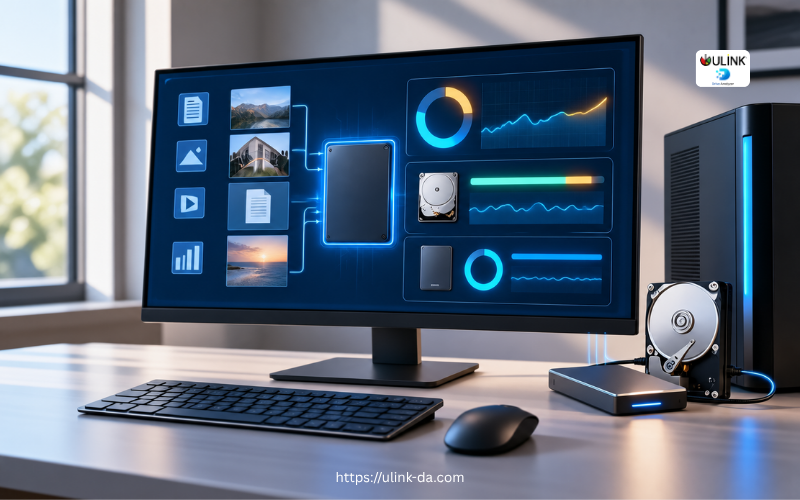
DA Drive Analyzer is an AI-powered drive health monitoring application for Windows PC and Mac. Once Alex installs it, it runs automatically in the background without requiring any manual scans or technical input from him.
AI-Based Failure Prediction
Alex does not need to know what to look for. DA Drive Analyzer watches his drives continuously, analyzing multiple health signals together and tracking behavioral trends over time. It identifies subtle failure patterns before any single threshold is crossed, giving Alex a warning days before a failure would occur. The 2025 model detects up to 13.7x more failing drives than S.M.A.R.T. threshold trips alone, and Alex gets his first prediction within 24 hours of installation.
Clear Risk Levels
Instead of a screen full of numbers, Alex sees a simple status for each drive. Is it healthy? Is there a risk building? Does he need to act now? DA Drive Analyzer answers those questions directly so he never has to figure them out himself.
Automated Alerts
Alex does not need to log in to a dashboard or run a manual check. DA Drive Analyzer sends automated health alerts and weekly summaries to his inbox. Staying on top of his drive health is as simple as reading an email.
Works Online or Completely Offline
If Alex’s internet connection is limited or unreliable, Standalone Mode runs the full AI analysis locally on his device with nothing uploaded. Internet is only needed once to activate the license. If Alex prefers a centralized view across all his devices, Cloud Mode connects to DA Portal for a full picture of drive health, prediction history, and alerts in one place.
What This Means for Alex
With DA Drive Analyzer running on his PC, Alex no longer has to hope his drives are fine. He knows. If a drive starts showing signs of degradation, he gets a warning while there is still time to act. His client data stays intact and the years of work he has built his business on are protected.
Closing
Home offices like Alex’s run on data. DA Drive Analyzer makes sure the drives that data lives on are never the reason a project fails or a client is let down.
Predict Drive Failure Before It Happens with Our Drive Health Checker
AI-powered drive health monitoring and diagnostic software for HDD & SSD drives on Windows PC, ASUSTOR NAS, and QNAP NAS
Try DA for Windows PCTry DA for ASUSTOR NASTRY DA for QNAP NAS